 Jay Ullrich
Missed guest messages on Airbnb happen when a message arrives while nobody is watching the right inbox: at night, mid-turnover, or on a phone with muted alerts. The fix is a reply layer that works around the clock. At HostBuddy AI, we built ours to answer from each property's own information and hand real problems to you.
Key Takeaways
Missed guest messages on Airbnb usually trace to structural causes: muted notifications, guests writing in several inboxes, time zones, and turnover days spent away from the phone.
Airbnb alerts depend on your app, phone, and email settings, and a PMS or channel manager adds one more place where a message can go unseen.
A late reply costs the most at two moments: the pre-booking inquiry and the mid-stay problem. Check the Airbnb Help Center for the current response-rate expectations.
Automation is already common among operators in 2026, but it only works when your property information is accurate and complete.
Automate repeatable questions such as wifi, parking, check-in, and checkout. Keep refunds, safety issues, and complaints with a human.
HostBuddy AI automates guest messaging through your PMS, with an average response time under 30 seconds, and escalates anything it cannot resolve to you or your team.
Picture a guest who writes at 9:40 p.m. asking how to work the hot tub cover. You are at dinner, your phone is in a jacket pocket, and the message sits unread until morning. By then the guest has spent the evening without the hot tub, and the first line of their review is already forming.
Hosts have always dealt with this, but 2026 raises the stakes. Guests expect an answer in minutes, and a traveler comparing several listings tends to stay with the host who replies first. The gap between a fast host and a slow one shows up in bookings and in review scores.
This guide covers why messages get missed, how Airbnb notifications behave, what a late reply costs, and how to build a reply system that does not depend on you staying awake. We write from the host's side of the inbox. HostBuddy AI was created by hosts, for hosts. These are the problems we hear constantly.
Why Do Missed Guest Messages Happen on Airbnb?
Missed guest messages on Airbnb are replies that go unseen or unanswered because a notification failed, the conversation sits in the wrong inbox, or nobody was free when the guest wrote. The cause is almost always structural.
Notification and inbox gaps
Phones in Focus mode, push alerts switched off after an app update, an outdated phone number, and email filtered into a promotions tab all hide messages. Add a second platform or a text thread, and one guest question can land in three places. For hosts who also take WhatsApp or OpenPhone messages, we connect those external channels into a single inbox alongside your PMS, so a guest who texts after writing on Airbnb ends up in the same view as the original thread.
Coverage gaps
Time zones and day jobs leave windows where nobody replies. Cleaning days and sleep do the same. Remote hosts feel this most, because a guest standing at a lockbox at check-in cannot wait for your morning. Volume compounds it: the wifi password, parking, check-in time, and lockbox location come up on every booking, and repetitive work is the first thing to slip.
In our experience, the missed guest messages on Airbnb that cost hosts the most are rarely exotic. Most are routine questions your property information already answers, which is why we treat them as an automation problem.
How Do Airbnb Message Notifications Work for Hosts?
Airbnb message notifications are alerts the platform sends through channels such as push notifications and email, based on the preferences saved in your account settings. Each channel can fail on its own, so a host who relies on a single channel has a single point of failure.
Start with an audit. Open your notification settings and confirm which channels are on for messages, then check that the phone number and email address on file are current. Make sure your phone's operating system lets the Airbnb app alert you during Focus and Do Not Disturb modes. Settings change with app updates, so the Airbnb Help Center is the place to confirm current options.
Teams add another layer. If a co-host or cleaner is supposed to see messages, confirm they receive alerts on their own account, because an alert sent to one person does not reach another. The same goes for an assistant. And if you connect a property management system or channel manager, alerts may come from that system. Sync delays or a disconnected integration can quietly hide new messages.
Test the setup by sending yourself a message from a second guest account and watching which channel fires first. That short check catches most silent failures.
We designed HostBuddy AI to work through your PMS, so the reply happens in the same thread the guest already uses. When the AI cannot resolve a question, it creates an action item with a notification. If you run a team, a Slack alert goes to the person on duty, so a lockbox complaint at 11 p.m. reaches your cleaner or co-host instead of sitting in a queue.
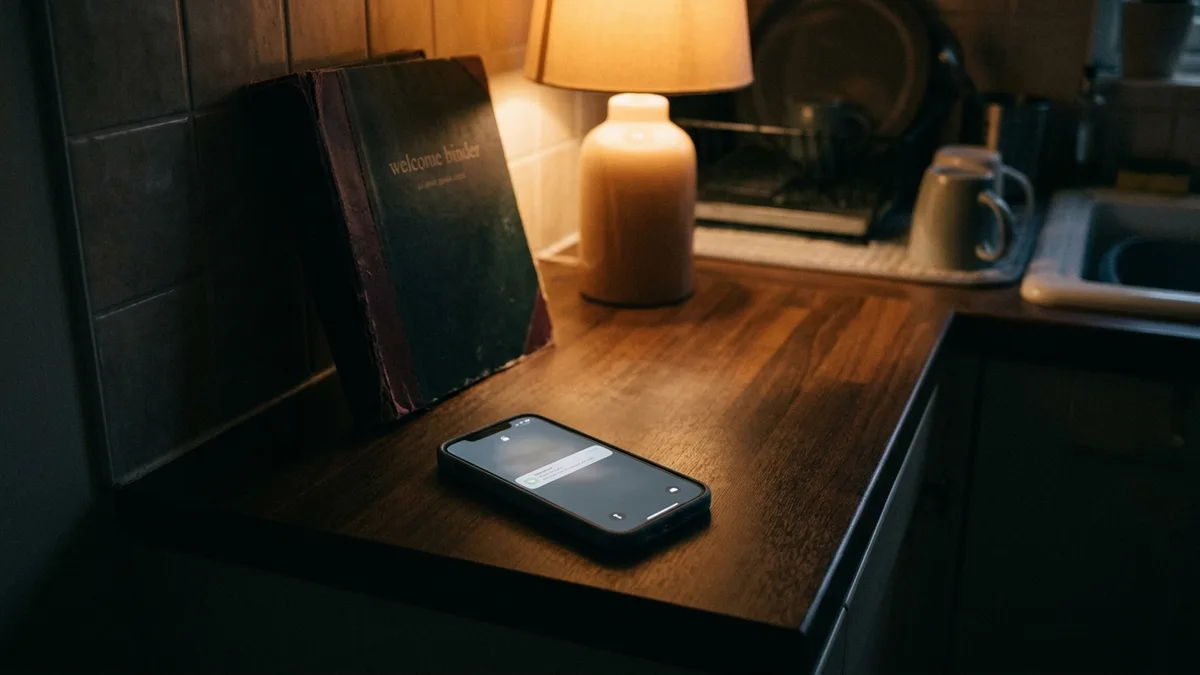
A smartphone resting on a dark kitchen counter at night with a muted notification banner glowing on the lock screen
What Happens If an Airbnb Host Replies Late?
A late reply on Airbnb means a guest or prospective guest waits longer than expected. The cost depends on where the delay lands: before a booking, during a stay, or after checkout. Airbnb tracks how quickly and how often hosts respond, so slow replies can affect your standing on the platform. We do not quote a specific threshold here because Airbnb changes these requirements, so check the Airbnb Help Center for the numbers that apply to your account today.
Before the booking
A traveler comparing listings often messages several hosts at once. The host who answers the question about parking or pets first usually keeps the conversation, and the others fade. You lose that booking without ever seeing it go.
During and after the stay
Mid-stay delays cost more because the guest is already on site. A lockbox that will not open or a hot tub that will not heat turns into a frustrated review if nobody answers for hours, and guests rate communication as its own review category. Slow checkout and review-request messages also leave good stays under-reviewed.
This is the moment our guest journeys exist for. They cover pre-arrival, check-in, mid-stay, and checkout messages. You write the hot tub instructions once in your knowledge base, and HostBuddy AI reports an average response time under 30 seconds, so the 9:40 p.m. question gets an answer while the guest is still standing at the cover. For tone and timing guidance, our best practices for guest communication go deeper.
What Does the Industry Data Say About Automating Guest Messages in 2026?
Guest messaging automation is the use of software, increasingly AI, to answer routine guest questions without a host typing each reply, and survey data from 2026 shows it is already common among operators.
In the KeyData 2027 Vacation Rental Industry Outlook survey of 392 U.S.-based property managers, 50% reported using AI for guest messaging automation (PhocusWire, 2026). In a separate survey, Hospitable found that 80.9% of respondents said they use AI for guest communication. The published figure does not tell us who those respondents were, whether Hospitable customers, independent hosts, or managers, so treat it as a directional signal and not a benchmark for the whole market. The two surveys sample different groups, so read them as signals, not one trend line.
Data point | Source | What it means for your inbox |
|---|---|---|
50% of 392 U.S.-based property managers reported using AI for guest messaging automation | KeyData survey, reported by PhocusWire, 2026 | Automation is a common choice among managers |
80.9% of respondents said they use AI for guest communication | Hospitable survey, 2026 | Messaging is among the most common first uses of AI |
88.5% of guest responses automated across 262 Nashville properties in two weeks | HostBuddy AI blog | One operator's result, not a guaranteed outcome |
95%+ AI automation rate for top hosts | HostBuddy AI | A ceiling for top hosts; results vary with setup quality |
We would rather be plain about the last two rows. They come from our own platform and our customers' setups, and your result depends on how complete your property information is. We can speak to patterns because HostBuddy AI powers 25,000+ properties and has processed 40M+ messages. You can see how it works on our AI messaging page.

A host relaxing on a sofa with a coffee mug while a tablet on the armrest shows a tidy guest conversation inbox
How Do You Set Up Guest Message Automation Step by Step?
Setting up guest message automation means connecting your inbox to software that answers from your property information, then deciding which replies it sends alone and which it escalates. The order below matches how we onboard hosts.
Audit your inboxes. List every place guests write, from Airbnb to email and text, and fix notification settings first.
Connect your PMS. HostBuddy AI supports 20+ integrations, including Guesty, Hostaway, Hostfully, Hostify, Hospitable, Lodgify, Smoobu, Hostex, Beds24, OwnerRez, Zeevou, BookingSync, Resly, and Tokeet. Our setup guide and Hostaway setup walkthrough cover the connection.
Load property knowledge. Upload .txt, .pdf, or .docx files, or fill in the guided form. Documents must be text-based, since image processing is not yet supported. Automation will not fix a confusing house manual, so fix the manual first.
Write SOPs and set the voice. Spell out your rules for early check-in, pets, and quiet hours, then choose a tone, response length, and delay so replies read like you.
Build the guest journey. Set messages for pre-arrival, check-in, mid-stay, and checkout so routine updates go out without you.
Test in the sandbox. Throw your trickiest questions at the AI before any guest sees a reply.
Switch on auto-reply and review weekly. Check action items and past conversations, which the AI learns from.
Setup takes effort up front, mostly in gathering accurate property details. The 14 day free trial gives you time to test it on real properties, and the pricing page shows what each plan includes. Our explainer on messaging automation tools covers the mechanics in more depth.
Which Guest Messages Should You Automate and Which Should Stay Human?
Choosing what to automate means deciding which guest questions software answers alone and which go straight to a person. Our rule of thumb: automate anything with a stable, factual answer. Keep anything involving money or safety, and anything emotional, with a person.
Automate first
Start with the wifi password, parking instructions, check-in time, lockbox location, appliance instructions, checkout reminders, and review requests. These are repeatable questions, and a guest asking for the wifi password at midnight is not an emergency.
Keep human
Refunds and safety concerns deserve a person. So do damage reports and upset guests. Keep refund conversations human. Automate the rest.
A workflow example
A guest writes, 'Can we check in at noon?' The AI checks your SOP for early check-in. It offers the early arrival as a paid upsell if you allow it, or declines politely if the previous guest checks out at 11. HostBuddy AI says hosts can generate up to $147 per listing per month through upsells such as early check-in and late checkout. Gap nights count too; treat that as a ceiling, not a promise.
When the AI cannot answer, it escalates to you or your team with an action item and a notification, and larger operations can add Slack alerts and webhooks. Good handoffs carry the context along, the same principle described in this overview of customer service tiers and escalation paths. For more setup ideas, browse our tips and tricks.
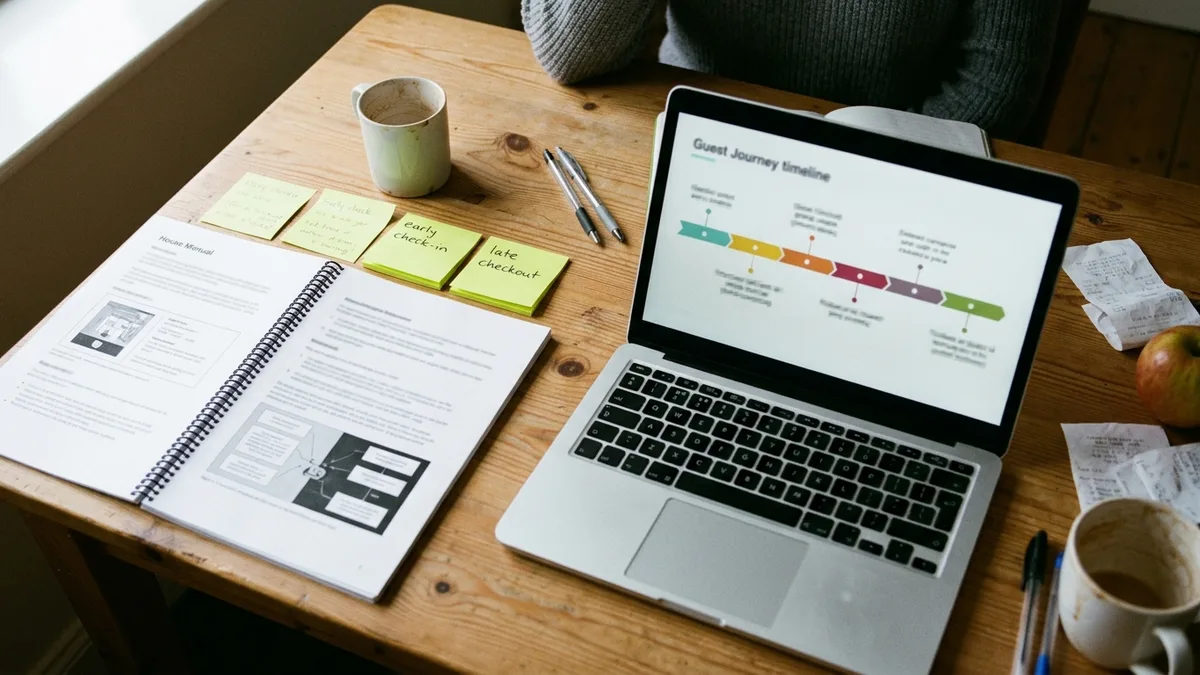
Overhead view of a wooden desk with a printed house manual, sticky notes marked early check-in and late checkout
What Should You Look for in Airbnb Guest Messaging Software?
Airbnb guest messaging software is a tool that reads incoming guest messages and sends replies and reminders for you, plus alerts, usually by connecting to your property management system or channel manager. The right one answers from your own property data, not from a generic script.
Property-specific answers: the tool should draw on your knowledge base and SOPs.
Real escalation: unresolved issues should reach a person with a notification.
Voice controls and a sandbox: tone, response length, and delay settings, plus a place to test.
Integration reach: your PMS, plus channels outside it.
Clear pricing: per-property costs and a free trial.
Approach | Works while you sleep | Knows your property details | Hands off to a human |
|---|---|---|---|
Phone notifications only | No | Only what you remember | You are the handoff |
Saved quick replies | No, you still send each one | Only what each template says | You are the handoff |
Generic chatbot | Yes | Limited to generic scripts | Varies by product |
HostBuddy AI | Yes, through your PMS | Yes, from your knowledge base and SOPs | Action items, notifications, and Slack alerts |
International guests raise the bar further. HostBuddy AI offers global language support, which matters when a guest writes in a language you do not speak at 2 a.m. The AI replies in the guest's language using your English house rules, so you do not need to translate your manual. For a fuller evaluation framework, read our guide to the best AI messaging app for Airbnb, or browse our software solutions.
Frequently Asked Questions
Why do I keep missing Airbnb guest messages even with notifications on?
Notifications can be on in Airbnb and still be blocked downstream. Phone Focus modes, email filters, an outdated phone number, and PMS sync delays all hide alerts. Audit each channel, test with a second account, and consider an auto-responder so a reply goes out even when you miss the alert.
How fast should I reply to an Airbnb guest message?
Reply as fast as you reliably can, and faster before a booking than after it. Airbnb tracks response rate and time, so check the Airbnb Help Center for the thresholds that apply to your account today. A reply system that does not depend on your phone is the only dependable way to stay fast overnight.
Will automated replies sound robotic?
They do not have to. You set the tone, response length, and delay, write SOPs for your rules, and let the AI learn from past conversations. The testing sandbox lets you try difficult questions before any guest sees a reply. Accurate property information still matters, so fix a confusing house manual first.
What happens when the AI cannot answer a guest's question?
HostBuddy AI escalates to you or your team instead of guessing. It creates an action item with a notification, and larger operations can add Slack notifications and webhooks. Refunds and safety issues are best kept with a person from the start. Complaints belong there too.
Which property management systems does HostBuddy AI integrate with?
HostBuddy AI supports 20+ integrations, including Guesty, Hostaway, Hostfully, Hostify, Hospitable, Lodgify, Smoobu, Hostex, Beds24, OwnerRez, Zeevou, BookingSync, Resly, and Tokeet. External channels such as WhatsApp and OpenPhone connect into a unified inbox. Our FAQ page has more detail.
Is there a free trial for HostBuddy AI?
Yes. Every plan includes a 14 day free trial, so you can test the AI on your own properties before committing. You can sign up here and run it in the sandbox first.
Final Thoughts on Missed Guest Messages on Airbnb
Missed guest messages on Airbnb come from notification gaps and split inboxes. Hours when nobody is free to reply add to it. A late answer costs the most before a booking and during a stay. The path forward is simple: audit your alerts, load accurate property information, automate the routine questions, and keep sensitive conversations human. As more operators automate in 2026 and beyond, a fast reply is becoming the baseline guests expect.
If you want every guest question answered while you sleep, travel, or work your day job, HostBuddy AI is the direct path. It answers from each property's own information through your PMS and escalates the exceptions to you. Start your 14 day free trial and test it in the sandbox before a guest sees a single reply.
Written by Jay Ullrich, CEO & Co-Founder, 40+ Unit STR Portfolio, Civil Engineer to STR Expert at HostBuddy AI