 Jay Ullrich
A roofline connected to a sequence of message bubbles by a single branching path.
Airbnb automation is software that runs repeatable hosting work on a schedule, covering guest messages, calendar sync, check-in instructions, cleaning triggers, and pricing updates, so you reply fast without staying online. At HostBuddy AI, we focus on the messaging layer, because that is where most hosts lose their evenings first.
Key Takeaways
Airbnb automation spans messaging, calendar sync, check-in access, cleaning triggers, pricing, and review requests. Messaging goes first because it repeats on every booking and rewards fast replies.
A staged order (messaging, then calendars, then cleaning, with smart locks last) lets you test each layer and find the cause when something breaks.
Refunds, damage disputes, safety issues, and upset guests belong with a human. Set escalation rules so automation hands them off instead of improvising.
Measure before and after: response time, weekly hours on messaging, turnover errors, occupancy, and net revenue.
HostBuddy AI automates guest messaging through your property management system using each property's own information, escalates what it cannot answer, reports an average response time under 30 seconds, and offers a 14 day free trial on all plans.
A guest messages at 9:40 p.m. asking how to work the hot tub cover. Another asks where the lockbox is. A third wants to know if noon check-in is possible. None of these is an emergency, but all are time-sensitive. Answering them by hand across Airbnb, your PMS, and text threads is how a good property turns into a second job.
In 2026, hosts have more automation options than ever, which creates a different problem: knowing the order. Switch on pricing rules and smart locks in the same week and you cannot tell which one broke when a guest complains. Adding AI replies makes the diagnosis harder still. HostBuddy AI now powers 25,000+ properties and has processed 40M+ messages, built by hosts for hosts. That volume has shown us which tasks hosts hand off first and where they regret handing off too fast.
This guide covers what automation does, the order we recommend, a step-by-step messaging setup, the failure cases to plan for, and how to judge whether automation pays off. Peak season rewards a setup that has already been tested, so we also lay out a rollout timeline.
What Does Airbnb Automation Software Do for Hosts?
Airbnb automation software connects your reservations, calendars, and guest conversations to rules that run without you, so routine tasks happen on schedule and only exceptions reach you. Most hosts build on a property management system or channel manager, then add specialized tools for messaging, pricing, cleaning, and access.
Airbnb itself works with connected software partners for reservation and calendar management and for syncing with other booking channels. As a result, most automation lives in the tools around Airbnb, not inside the app. You choose a PMS, and every tool you add reads from the PMS or writes to it.
Messaging is the piece hosts feel first. Wifi passwords, parking, checkout time, and "where is the lockbox" repeat on every booking, and the answers already sit in your house manual. We built our guest messaging layer to answer from each property's own information inside your PMS, which is why the layer behaves differently from a generic chatbot. Our overview of a messaging automation tool walks through the mechanics, and our software solutions page shows where messaging fits in a stack.
Which Hosting Tasks Should You Automate First?
The first tasks to automate are the ones that repeat on every booking and punish slow replies: guest messaging, then calendar sync. Pricing rules and cleaning triggers come later because they involve more rules and more vendors. Smart locks come later too, since smart locks involve hardware.
Order | Task | Why it sits here | Setup effort | Main risk if it fails |
|---|---|---|---|---|
1st | Guest messaging | Repeats on every booking; speed affects inquiries and reviews | Moderate; needs accurate property information | A wrong answer, reduced by escalation rules and a review period |
2nd | Calendar sync | Keeps channels consistent | Low to moderate; test with a dummy reservation | Double booking |
4th | Check-in access and smart locks | Guests need access at arrival | Higher; hardware takes longer | A locked-out guest |
5th | Pricing rules | Rates and minimum stays shift with demand | Moderate; needs regular review | Underpriced nights |
6th | Review requests | Follows checkout | Low | A badly timed ask |
Our opinion: if you manage a handful of listings, start with messaging and pricing, then add operations tools as the portfolio grows. Messaging earns the top spot because a wrong answer is cheap to catch during a review period, while a broken lock or a double booking is not. HostBuddy AI's guest journeys cover pre-arrival, check-in, mid-stay, and checkout, so the reminders you retype for every booking go out at the right moment instead.
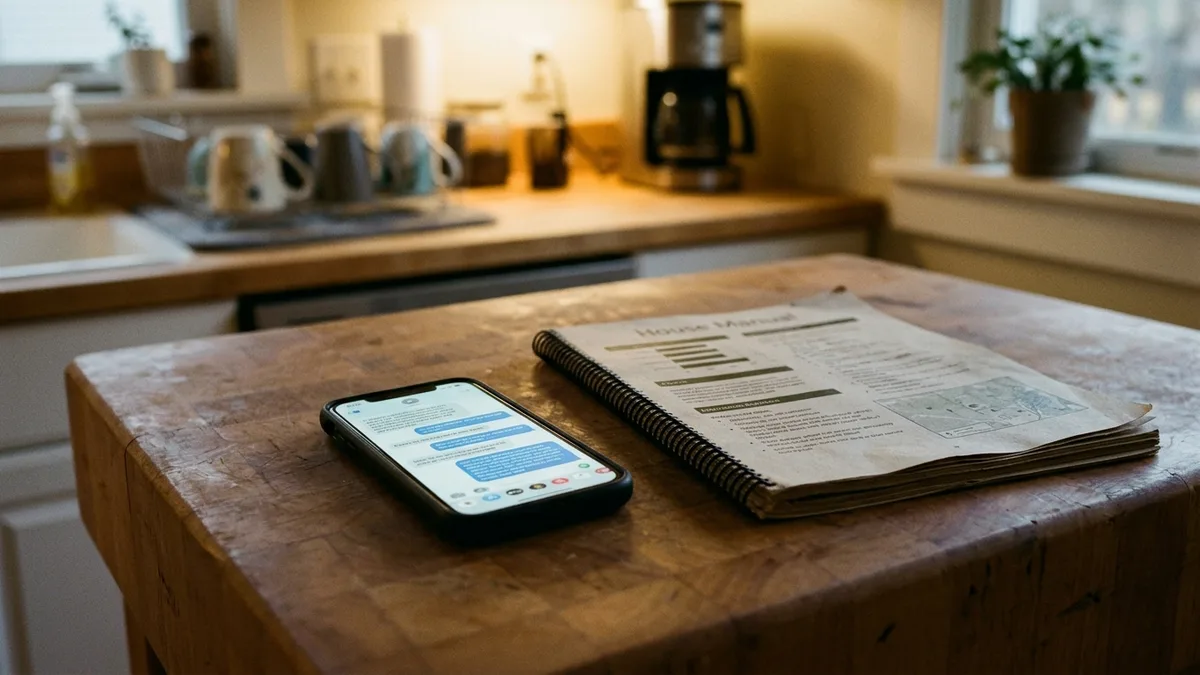
A host's phone resting on a kitchen counter showing an organized guest message thread, a printed house manual beside it, warm evening light
How Do You Automate Airbnb Guest Messages Step by Step?
Automating Airbnb guest messages means connecting your PMS to a messaging tool, loading your property details, and letting scheduled journeys and AI replies cover routine questions while you review the exceptions. The setup takes effort once; the payoff repeats on every booking.
Connect your PMS. HostBuddy AI integrates with Guesty, Hostaway, Hostfully, Hostify, Hospitable, Lodgify, Smoobu, Hostex, Beds24, OwnerRez, Zeevou, BookingSync, Resly, and Tokeet, part of 20+ integrations. Reservation and inquiry data then flows in without copying between systems.
Fix your house manual, then load it. Upload .txt, .pdf, or .docx files, or fill in the guided form. Documents must be text-based because image processing is not supported yet. Automation will not repair a confusing manual.
Write SOPs for your rules. Early check-in, pets, quiet hours, and refunds each need a written position.
Set tone, response length, and delay. A short, warm reply after a brief delay reads more human than an instant wall of text.
Build the guest journey. Cover pre-arrival, check-in, mid-stay, and checkout messages.
Test in the sandbox. Ask the questions guests really ask, and read each answer the way the guest would.
Review before you trust. Spot-check replies during your first live bookings, then loosen oversight as accuracy holds. The 14 day free trial on every plan gives you room to do this with your own listings.
Here is how one exchange plays out. A guest writes, "Can we check in at noon?" The AI checks your SOP for early check-in. If you allow early check-in, the AI offers it as a paid upsell; if the previous guest checks out at 11, the AI declines politely. Our AI messaging page shows the full flow, and the setup guide covers the PMS connection screens.
Can Airbnb Automate Check-In Codes, Cleaning, and Calendars?
Yes, Airbnb check-in codes, cleaning, and calendars can all be automated, though through connected tools rather than Airbnb alone. A channel manager or PMS syncs calendars, a smart lock issues reservation-specific codes, and a turnover tool reacts to checkout. In addition, each of these pieces needs its own test before you trust it.
Calendar sync and double bookings
Double bookings usually trace back to calendars that update on a delay or sync in only one direction. To check your setup, create a test reservation and confirm the test reservation blocks the dates on every connected channel. Then cancel the test reservation. Importantly, run this test before peak season, not during peak season, so any sync gap is fixed before a real guest is affected.
Smart locks and cleaning
Add smart locks last. Smart locks involve hardware and batteries, so locks take longer to get right than software rules. Wi-Fi adds another dependency. In contrast, cleaning works best when checkout triggers a notification to your cleaner with a property-specific checklist.
Where does guest messaging fit? Guests need access details at the right moment and an answer when a code fails. HostBuddy AI sends access instructions at the right point in the guest journey and answers "where is the lockbox" from your property information. If a problem needs a person, HostBuddy AI creates an action item and notifies you. When two of your tools lack a native connector, an integration platform such as Zapier can pass booking events to task tools, and webhooks and third-party integrations in HostBuddy AI support the same idea for larger teams.
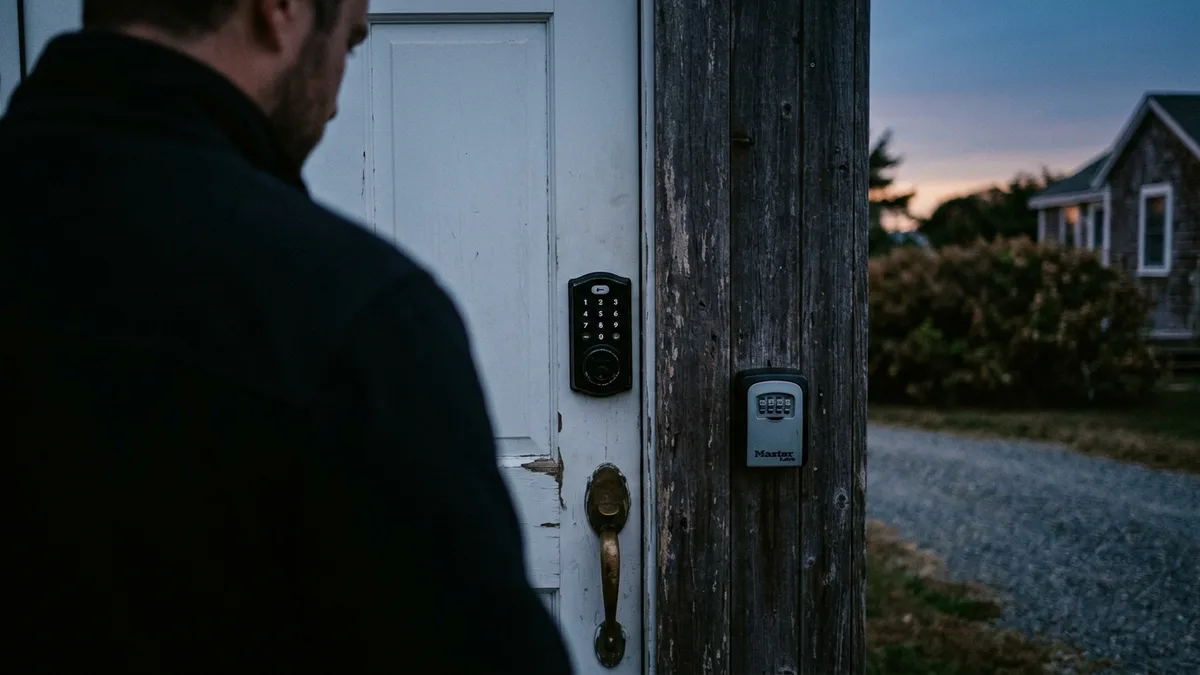
A smart lock keypad on the front door of a vacation rental at dusk with a small lockbox mounted beside it
What Should You Keep Human, and When Should Automation Escalate?
Escalation is the rule that hands a conversation from automation to a person when the issue is sensitive or urgent. Escalation also applies when the issue is outside the information the system holds. Good escalation matters more than a high automation rate, because one mishandled complaint can outweigh a month of fast routine replies.
What to keep human
Hosts should keep refund conversations, damage disputes, safety concerns, and upset guests with a human. Each of these topics touches money, safety, or feelings, and a wrong automated reply can cost more than a slow one. As a rule, automate the routine, and route anything that touches money or feelings to a person.
Failure cases to plan for
Plan for lock-code failures, cleaner cancellations, modified bookings, urgent maintenance, and sync errors. Over-automation also fails quietly. For example, a cheerful template sent to a guest who just reported a leak damages a review. Write an SOP for each case that says who is notified and how quickly.
How escalation works in HostBuddy AI
HostBuddy AI answers from your property's own information and escalates to you or your team when HostBuddy AI cannot. Action items with notifications reach you through the mobile app. Larger operations get Slack notifications and webhooks. Good handoffs carry the conversation history with them, a principle explained in this overview of customer service tiers and escalation paths. Our best practices library goes deeper on escalation SOPs.
Treat guest data carefully. Access codes and personal details should reach only the tools that need them, and privacy rules such as GDPR and CCPA may apply depending on where your guests live.
Is Airbnb Automation Worth the Cost?
Airbnb automation pays off when the hours and missed bookings it removes outweigh the subscription, and your honest comparison point is either your own time or a management company's cut. An analysis of 2,248 vacation rental operators and 31,474 active integrations found that a full automation stack saves an estimated 7+ hours per listing per month (Hostfully, 2026). That figure covers a full stack, not messaging alone.
A management company typically takes a percentage of each booking, so its cost rises with your revenue. Per-property software does not behave that way. HostBuddy AI plans run $7 per property per month on Pro, $10 on Elite, and $12 on Ultimate, with annual billing giving two months free. Check the pricing page for current details, since plans can change.
Revenue counts too. HostBuddy AI says hosts can generate up to $147 per listing per month through upsells such as early check-in and late checkout. HostBuddy AI also reports a 95%+ AI automation rate for top hosts. Treat both figures as ceilings, not promises. Your results depend on the quality of your property information and the upsell rules you set.
Measure before you switch anything on. Record your current response time, weekly hours spent messaging, turnover errors, and occupancy. Add net revenue, then compare after a full month of live bookings. Without that baseline, you cannot tell whether the tool helped or the season did.

A laptop and a notebook with a handwritten checklist on a tidy home office desk, morning light from a window
What Does a 2026 Rollout Look Like Before Peak Season?
A seasonal rollout phases automation across the quiet weeks before your busiest months, so every system has handled real reservations before volume arrives. Compared with a couple of years ago, AI replies can now draw on property-specific knowledge instead of canned templates, which changes how much you can safely hand off.
Phase 1, messaging: build the knowledge base and SOPs, test in the sandbox, and run with a review period.
Phase 2, calendars: test two-way sync with a dummy reservation.
Phase 3, cleaning: connect checkout triggers and property-specific checklists.
Phase 4, access: add smart locks once the earlier phases run clean.
Phase 5, pricing: set base rates and guardrails, then review them each season.
Update seasonal details in your knowledge base before each peak period: pool or hot tub operation, fire pit rules, holiday check-in hours, and minimum stays. HostBuddy AI's past conversation learning and multiproperty configuration keep answers accurate as your portfolio grows, but the source material is still yours to maintain. Our tips and tricks collection includes checklists for the pre-season review.
Frequently Asked Questions
The best fit depends on your portfolio, but judge any tool on four points: it works inside your PMS, answers from property-specific information, escalates to a human, and lets you test before guests see replies. HostBuddy AI is our own product and is built around those criteria for guest messaging. Our guide to the best AI messaging app for Airbnb explains eight criteria in detail.
Airbnb works with connected software partners for reservations and calendars. Those partners handle channel sync too, and many hosts run messaging through their PMS. HostBuddy AI communicates with guests through your property management system.
Will automated guest messages sound robotic?
Automated guest messages can sound robotic if you skip setup. You control tone, response length, and delay. Write SOPs for your rules, let the AI learn from past conversations, and test replies in the sandbox before any guest sees them.
What happens when the AI can't answer a guest's question?
The AI escalates. The conversation becomes an action item with a notification to you or your team, and Slack alerts are available for larger operations. For routine questions, HostBuddy AI reports an average response time under 30 seconds.
Does HostBuddy AI support guests who speak other languages?
Yes, HostBuddy AI supports guests who speak other languages. HostBuddy AI offers global language support and powers properties across 30+ countries, so international guests can get answers in their own language.
Is there a free trial for HostBuddy AI?
Yes, every plan includes a 14 day free trial. You can start your trial here and connect your PMS, and our FAQs page answers more setup questions.
Where Should Your Airbnb Automation Start in 2026?
Start with guest messaging and test it in a sandbox. Add calendar sync and cleaning triggers next, and leave smart locks and pricing for later phases. Keep refunds, safety issues, and upset guests with a human. Measure hours and response times before and after. Handling airbnb automation well comes down to order and testing, plus knowing when a person should step in. The hosts who benefit most as tools improve through 2026 and beyond will be the ones whose property information is already clean.
If you want your evenings back, HostBuddy AI can handle the repeat questions across your guest journey through your PMS and escalate the exceptions to you. Set up your first guest journey, test it in the sandbox with your own property details, and see how it answers before a guest does. Start Free Trial with the 14 day free trial on any plan.
Written by Jay Ullrich, CEO & Co-Founder, 40+ Unit STR Portfolio, Civil Engineer to STR Expert at HostBuddy AI